Konflux Chat
Konflux Chat puts a streamer’s chat from Twitch, YouTube and Kick into one window, as one conversation. Each message is marked with the platform it came from. Replies go back to the right platform on their own.
You can read without signing in: paste a link or a name and the chat appears. Sign in when you want to write or to moderate.
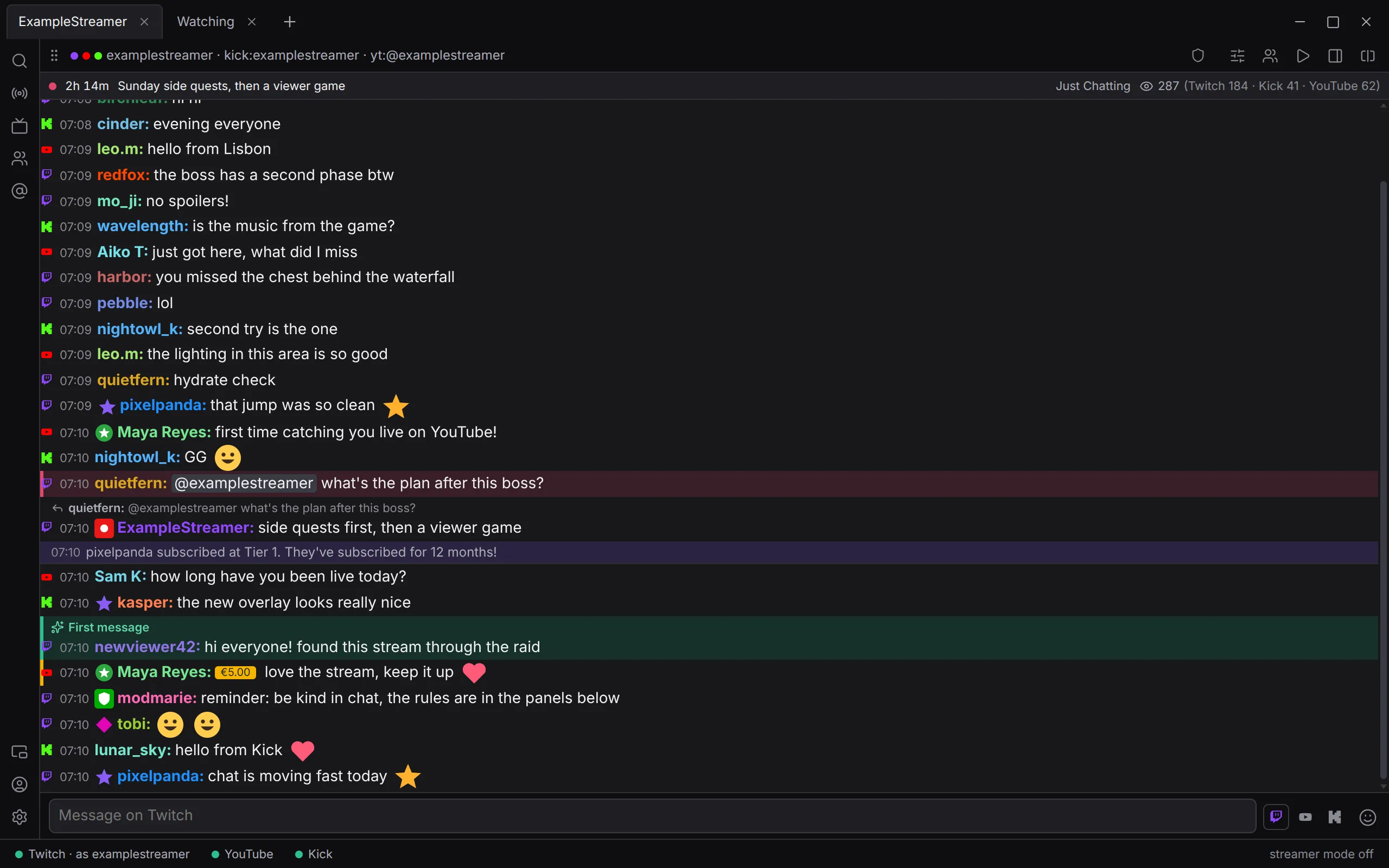
Konflux is in testing: every version is a beta, and it runs on Linux and Windows.
Start here
Section titled “Start here”- Install and update: download, start, and how updates arrive.
- First steps: add a streamer and open their chat.
- Signing in: Twitch, YouTube and Kick, and what each is asked for.
Using it
Section titled “Using it”- The window: tabs, splits, panels, the status bar, and each platform’s own chat in a side sheet.
- Reading chat: the merged chat, emotes and badges, history, deleted messages.
- Writing: where a message goes, replies, emotes and completion.
- People: the usercard, private notes, linking someone’s accounts, search, mentions and highlight rules.
- Settings: every setting, for everywhere at once or for one tab or split.
Moderating and streaming
Section titled “Moderating and streaming”- Moderation: hover keys, the chat that holds still, undo, AutoMod, and more.
- Chat commands: every command Konflux understands.
- Keyboard shortcuts.
- Your own channel: the stream strip, title, category, markers, ads, raids and clips.
- Pogly: switch your overlay’s scenes from Konflux.
- Your data: what stays on your computer and what is sent where.
- Troubleshooting.
- Questions and answers.
Konflux is not affiliated with, endorsed by or sponsored by Twitch, YouTube or Kick.